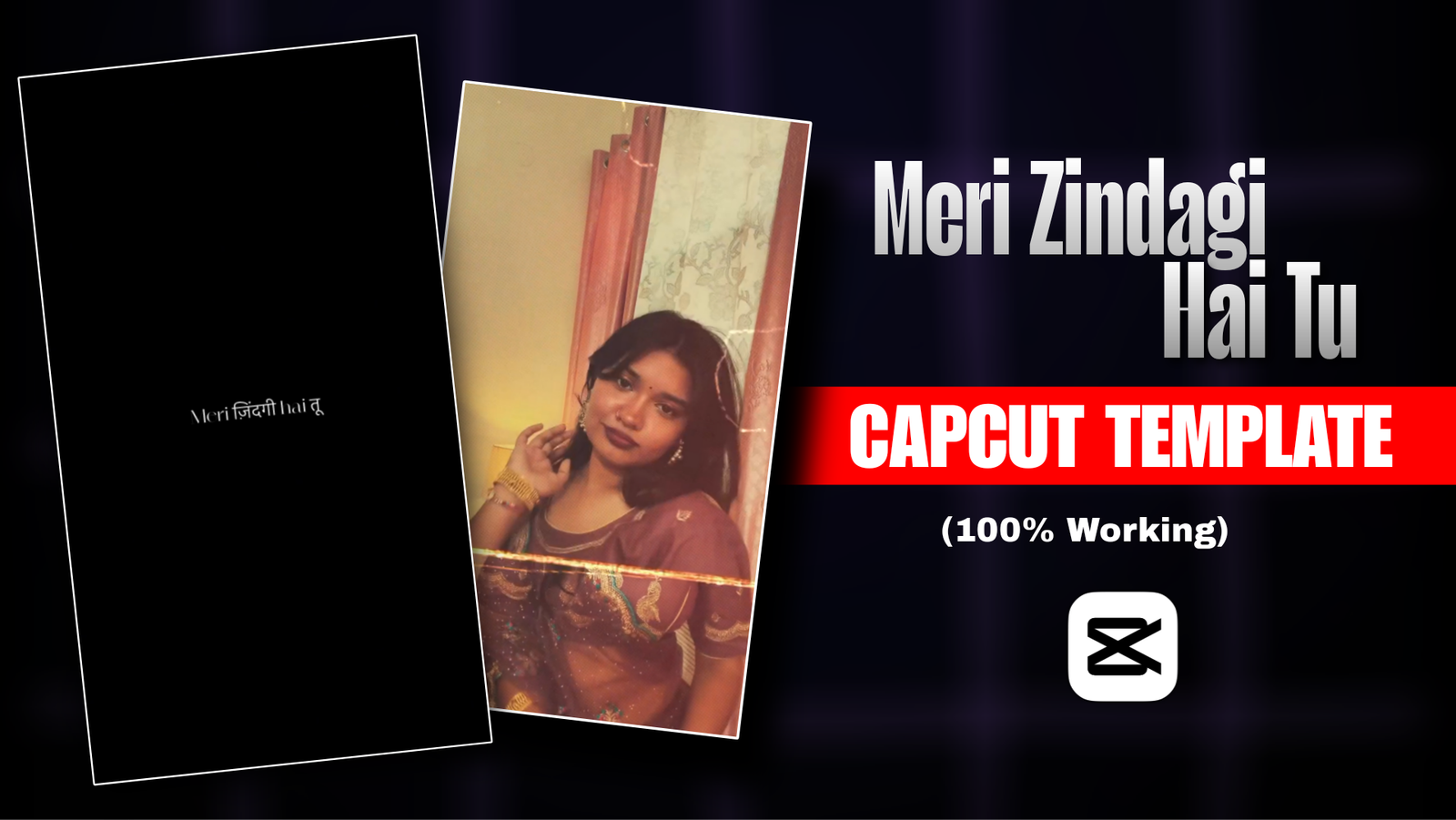
Meri Zindagi Hai Tu CapCut Template-A specific template is currently going viral on Instagram. The video is created using the song “Meri Zindagi Hai Tu.” To date, 120k people have used this template till now. There is an account named “CapCut Template” on the CapCut app that posts trending templates; Most creators source their templates from there . A CapCut template is a ready-made video project that allows you to create videos quickly by simply inserting your own clips. In the “Meri Zindagi Hai Tu” template, the song lyrics, effects, transitions, and beat timings are already configured. You just need to open the template and add your own clips.
However, many creators encounter issues while using templates—such as the template failing to open, seeing a “Template not available” error, or the video not turning out right due to the selection of incorrect clips. Therefore, I am not just providing the template link; I will also explain how to resolve these common issues.
Meri Zindagi Hai Tu CapCut Template
The “Meri Zindagi Hai Tu” CapCut template is a ready-made video template for the CapCut app, featuring video clips synchronized with the song and its beats. As the video begins, the lyrics from the opening lines of the song appear, displayed in a combination of Hindi and English text. The video features minimal effects or animations; the only notable addition is a “Light Leak” effect applied to your clips. You will need four video clips to use this template, so have them ready beforehand. There is some Benefits of using this template. You can create a video even without editing skills. Once created, you can share the video on platforms like Instagram, Facebook, and WhatsApp. Everyone wants their videos to go viral; since this template is currently trending, it has a higher potential for garnering views compared to ordinary videos. Anyone can use this template. Let’s take a look at how to use it.
How do you shoot a video clip?
This template requires four video clips. The better you create these clips, the more visually appealing the final video will be. Before you start, keep two things in mind, Choose a nice background, The shooting location should be clean and attractive. You can shoot either indoors or outdoors. Use a 9:16 aspect ratio: This ensures the video fits perfectly when posted on Facebook or Instagram. Try to shoot all clips wearing the same outfit and in the same lighting conditions. Also, keep the camera steady; camera shake can make the video blurry. Make sure each clip lasts at least 4 to 5 seconds.
- Stand with your back to the camera. Then, turn around to face the camera and smile gently.
- Move your hair aside with your hand near your ear. It looks better if you step slightly closer to the camera while doing this.
- Hold the corner of your *orna* (dupatta) or saree and strike a pose as if covering your eyes. If you don’t have an *orna*, you can use a scarf or any other lightweight fabric.
- Stand a short distance away from the camera. Then, walk slowly towards it. The slower your walking pace, the more beautiful the video will look.
How to Use It Meri Zindagi Hai Tu CapCut Template ?
First, download the CapCut app. If you already have it installed, update it to the latest version.
Click the link for the “Meri Zindagi Hai Tu” CapCut template provided below; this will open the template page. Once the page opens, play the video to watch it. You can also see the number of likes, comments, and shares the video has received. There is a blue button labeled “Use Template” at the bottom; clicking it will open your gallery. Select four previously shot clips in the correct order—placing the first clip in the first slot, the second in the second slot, and so on. Then, click the “Next” button. The video will be generated shortly. Play the preview to check it; if the video looks good, click the “Export” button to save it.

Best Outfit & Look For Meri Zindagi Hai Tu Template ?
Outfit
Your outfit plays a crucial role in how good your video looks; the right choice enhances the overall visual appeal. You might already have specific outfits in mind for your videos, but the following options can make them look even better.
Simple Kurti: You can wear a simple white or red kurti. It gives the video a casual yet neat and polished look.
Saree: A saree makes a video look truly beautiful. Holding the *aanchal* (pallu) while posing adds an extra touch of elegance and makes the clip more engaging. If you have either of these outfits, be sure to wear them.
Look
If you change the look a little with the outfit, the video looks more beautiful. Keep your hair open while making a video. Open hair makes girls look more beautiful. The second clip also has hair removal poses, so open hair will come in handy here. If you want to wear makeup, don’t overdo it. Light and natural makeup looks good on camera. You can use light pink lipstick. It makes lips look bright and fresh. It is better not to wear heavy jewelry as it distracts the eyes in the video. Instead, you can wear small and thin chains, small pendants or bangles.If you follow these things, the look of the video will be more beautiful.
FAQ
- How to Shoot the Clips Alone?
♦ If there is no one to film you, you can shoot the video yourself. Mounting your phone on a tripod ensures the camera remains steady. If you do not have a tripod, prop the phone against something or place it on a stack of books. Press the record button, move into position, and strike your pose; then, stop the recording when you are finished. This will result in extra footage at the beginning and end of the clip, which can easily be trimmed later. When shooting indoors, place your phone near a window to utilize natural daylight, which makes the video clearer. Ensure the light falls on your face rather than coming from behind you.
- How do you save a video without a watermark?
♦ Many people encounter issues with watermarks when exporting videos in CapCut. Does this happen to you too? To avoid this, pay close attention to the options available when exporting the video. You will find an option there labeled something like “Export without watermark.” Selecting this option allows you to save the video without a watermark.
- Is the ‘Meri Zindagi Hai Tu’ CapCut template free?
♦ Yes, you can use it completely for free. Most templates are free; a template is free as long as it doesn’t include any ‘Pro’ effects. There are no ‘Pro’ effects added to this video, so it can be used completely for free.
Overall
You can create a beautiful video using this template even without any editing skills. The video will turn out even better if the four clips you add are well-shot. If the template doesn’t open in CapCut, update the app from the Play Store or reinstall it. For iPhone users, please use the App Store. This video is currently trending, so creating and posting it now increases the chances of reaching a wider audience. I hope you found this article easy to understand. Visit my page to find more trending templates.

Kavi