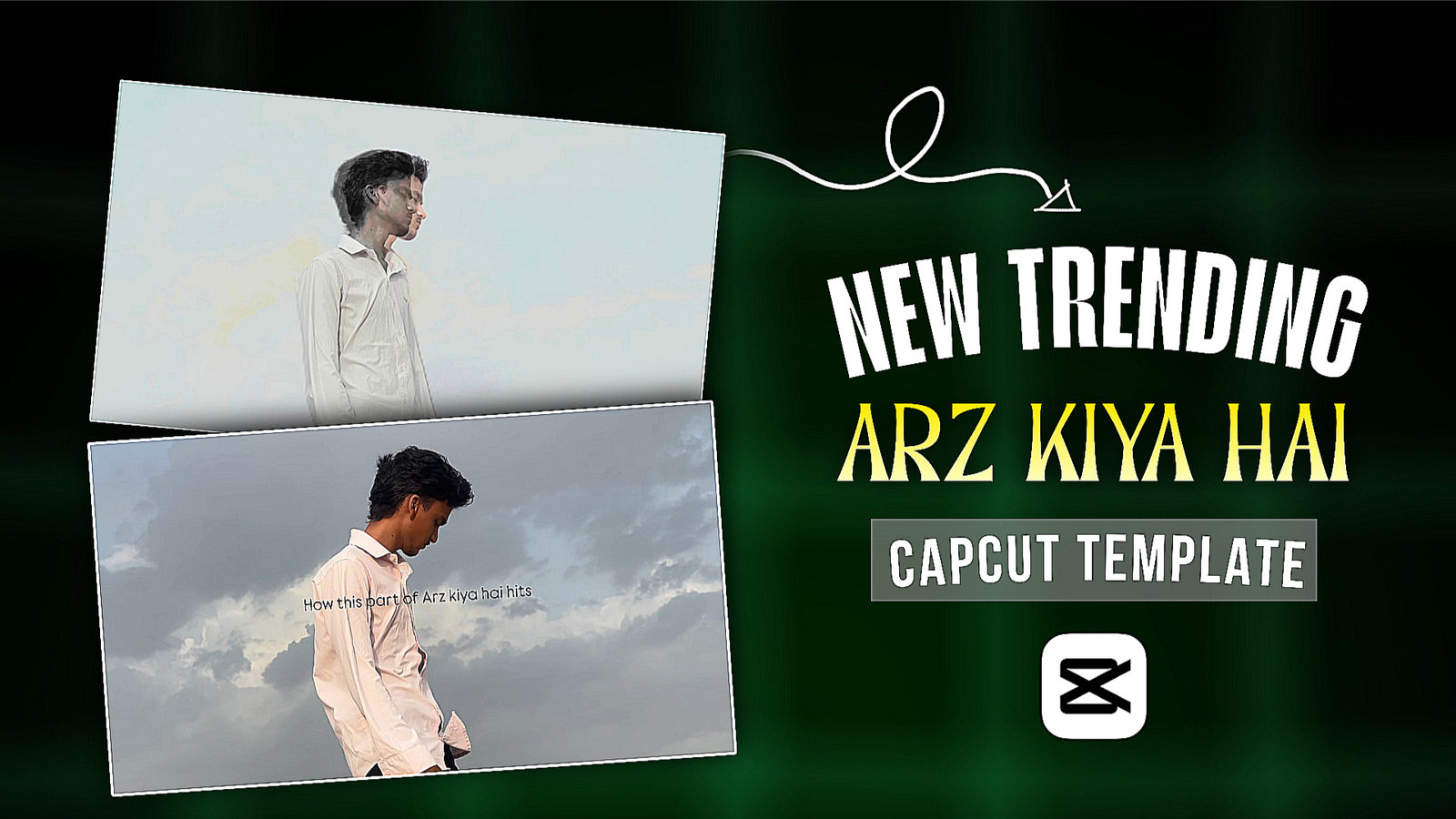
People who don’t have much time for video editing. Or if he does not have the editing skills to edit the video. Then one way he can edit the video is by using the capcut template. It doesn’t take any editing skills to edit a video with the Cupcut template. If you are more active on social media, then you will see that every day some or the other template goes viral and you have to make a video by clicking on the link in that template. In this way, a video template has gone viral on Instagram that is Arz Kiya Hai CapCut Template This video is becoming very viral and you can make it in 3-4 steps using the CapCut template. Only if you use this template, you have to use the right method, then you can create sem-to-sem videos. In today’s post, you will see how to make this video with the help of templates. How do you do it without using a template? What do you need to make this video and how to make it? I’ll tell you step by step
Trending Arz Kiya Hai Capcut Template
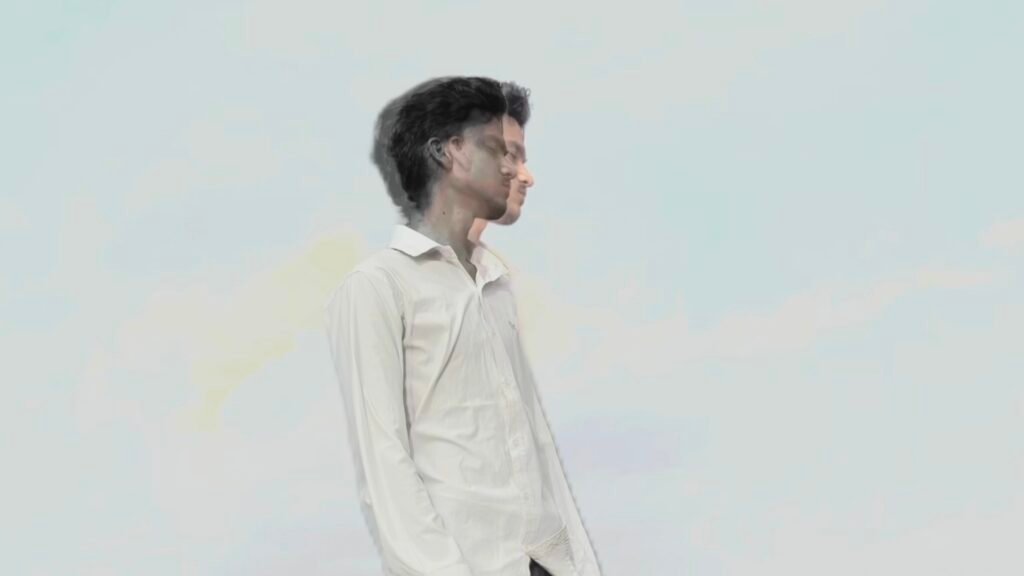
This Arz Kiya Hai video is made by a boy named JAGDISH, his video is now over 1.8 miloon views. When this video starts, there is a text that says (how this part of Arz kiya hai hits), after which the boy stands behind the viwes of the sky. This is the best transition for which is going viral. The boy seems to have a spirit coming from within. This video is going wide viral. It seems as if his soul has gone out of his body and is falling down. There is a lot of emotion in this video. This is the video translation if you do it manually it will take you a lot of time so I will show you how to make this video in one click with the help of this template.
What Need To Create Arz Kiya Hai Video?
Here are some of the things we need to do to make this video. A link to a template, video clip, Capcut app.
- So, first of all, let me tell you about the template, this is the template that we will use, you can see the link below, and if you want to click on any link, you can open Capcut and search for Arz kiya hai template.
- Now let’s talk about the video clip. We have to follow some tricks and tips to shoot our video. The video should be shot in such a way that the sky can be seen without any trees and houses. Play the video once and see how the video is shot.
- Now we need the Capcut app, without which we will not be able to generate the video. We will need this app to create both manually or templates. Go to the official website to download the app.
How To Edit Arz Kiya Hai Video Using Capcut?
Now we will see how to manually edit the arz kiya hai video with Capcut. For that, you have to add the video clip to the Capcut app first. Then click on the music that you want to play. Now click on the song layer and see where the beat is, click there and split the video. Click on the split part and you will freeze it. The frozen part you will increase the length until the last layer of the song. Now there will be a video clip at the very last, click on it and add it to the overlay, and you will add slow motion to it. Keep this part until the end of the song. After adding the slow motion, the slow motion will be made better. Now click on the overly video and let us make it saturation 0 so that it becomes black & white. Then you will click on the splice option in the overly video and make it 20. Once this is done, your video will be created.
Use Capcut template
How To Use Arz Kiya Hai Capcut Template?
If you use Capcut Template, you can create this arz kiya hai Capcut template in minutes. Because in this template, everything is added such as transton, effect, text. You just need to shoot the video clip well and your video will be ready. Click on the link above to use the template. When you click on it, a page will open where you can use the template. The page of arz kiya hai templet will open there and you will get the option to use the template, click there and add the video clip. Then look at the bottom, where you will find the send bottom, click there and your video will be created. Click on the Export button and export the video.
FAQs
Q: Are CapCut templates really free?
Most of the Capcut Templates are free. There are very few changes in the paid templates. But if any template has pro effect ADD then you have to subscribe for Capcut.
Q: Can I completely change a template?
No, you can’t change everything. It depends on the template you create, what options you can change. But there are some options that you can change, such as filters, photos or videos, and songs.
Q: How long does it take to use CapCut templates?
How long it will take to use the template depends on your phone’s network. If your phone’s network is fast, you can edit it within 1-2 minutes.
Sabul