
All Trending Vn Template-Nowadays, Lyrisc videos are going viral on Instagram, and everyone is posting these beautiful videos. They are made using a free video editing app called VN, and it takes only a few minutes. But the question is, how is it possible to create videos so quickly? Have you ever heard of VN codes? With the help of these codes, any video can be ready with just one click. The VN app has a template option where videos are created and exported as template projects. The videos are already edited, so when you open a template and add your video clips, they will be automatically edited. That’s why any video can be ready with just one click. Today, I will share template codes in this article. Not just one or two—whenever I find a template going viral, I will add its code to this article so you can use it to create videos.
All Trending Vn Template
You will notice that people prefer recreating things they like in their own style rather than creating something new themselves. A creator makes an amazing video, and thousands of people ask, “Bro, where can I get this?” Then the creator shares a link or code in the comments or bio. Those who use it post their own videos, and even more people become interested after watching them. This is how a video goes viral. The videos created using the VN app are completely free, do not add a large watermark to the video, and run smoothly on phones. You don’t even need an expensive phone to use it. All these factors have made VN templates so popular on Instagram. New songs with different beats and new types of transitions are released, so new templates trend every week. To use the codes I provide with the VN app, you need to know the editing steps.
What Is A VN Code And How Does It Work?
There are many people who want to work and upload Reels on social media, but they don’t have enough time to edit videos. That’s where VN Codes can be really helpful. If you want to create videos in less time, VN Code is one of the best options. VN Code works like a QR code. For example, suppose your friend edits a video in the VN app and wants to share the same editing style with you. To do that, they can create a template and generate a VN Code. When you import that code into the VN app, it opens the editing template. You can simply add your own video clips or photos and create a similar video in just a few minutes. The best part is that you don’t have to pay to generate a VN Code. You can generate up to 100 VN Codes in the VN app, making it a convenient option for creators who want to save time and upload more content on social media.
- DAS MERE YA DILBARA OY
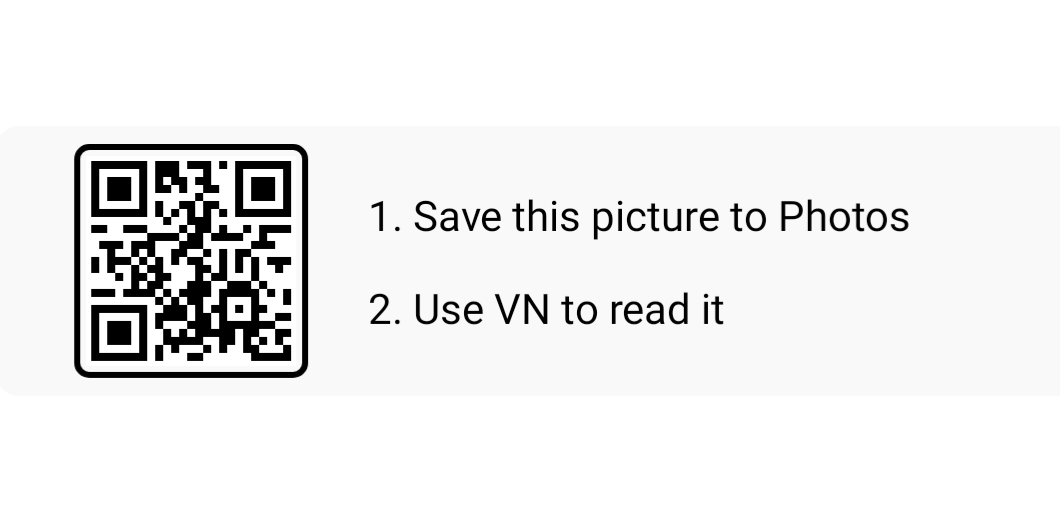
- JOGIYO KE PEECHE VN CODE
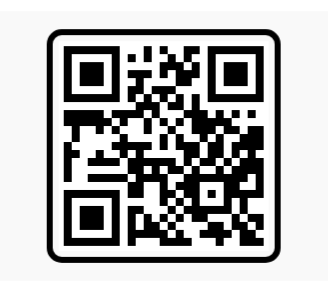
- THE END VN CODE

How To Use Instagram Trending Vn Template ?
- First, download the VN app from the Google Play Store. Then, download the QR codes I provided or take screenshots of them.
- Now, open the VN app and click on the Scan option. Upload the QR code you want to use. Wait for a few seconds while it loads.
- Once it finishes loading, the template page will open. Click on the Download button to download the template.
- After downloading, wait for a little while until the Use Template option appears. Click on it, and your phone’s gallery will open.
- Now, select your video clips or photos from the gallery and click on Next.
- If you want, you can customize the video according to your preferences. Your video will be ready with the effects, transitions, text, and other editing elements already added to the template.
- Finally, click on the Export option to export your video. That’s it! Your video is ready to upload to Instagram Reels, YouTube Shorts, or any other social media platform.
Common VN Code Problems and Their Easy Solutions ?
Now, let’s talk about some real-life problems, because things don’t always work perfectly. One common issue is that the VN Code doesn’t work. If nothing happens after importing the code, first check whether the QR code was downloaded properly. Always try to download the QR code in high quality so that the app can scan it correctly. If it still doesn’t work, check your internet connection, because downloading templates often requires an active internet connection. If the problem continues, the code or template link may no longer be available. In that case, try finding a new VN Code. Another issue is that some effects may not appear or work properly in the app. To reduce these problems, always try to keep your VN app updated to the latest version. Updating the app can help fix bugs and improve compatibility with newer templates. So, if you face any problems while using VN Codes, don’t worry. Follow these simple troubleshooting steps and try again.
Conclusion
So, now you can see that using VN templates and VN Codes is not difficult at all. A template is simply a tool that helps you edit videos more easily. The real fun begins when you add your own skills, photos, video clips, and unique ideas to create something special. Even if 100 people use the same template, their videos can still look completely different because everyone uses different clips, photos, and creative styles. Now, I want to hear from you! Have you ever used a template in VN before? If you know any amazing VN Codes or templates that work really well, let us know in the comments below. And if you found this article helpful, share it with a friend who loves creating videos. You can also find viral VN Codes and trending video editing templates throughout this article.
FAQ About All Trending Vn Template
Do I need internet to use a template?
You need internet while downloading the template. Once it is downloaded, much of the editing can be done without it, but keep your internet on the first time.
Is the Vn app really free?
Yes, you can use the app for free, and it does not put a big watermark on your video. Some templates or effects may be locked separately, but everything else works.
Does it work on both iPhone and Android?
Yes, the Vn app is available on both. Menu names or positions may differ a little by app version, but the main method is the same.

Xyz