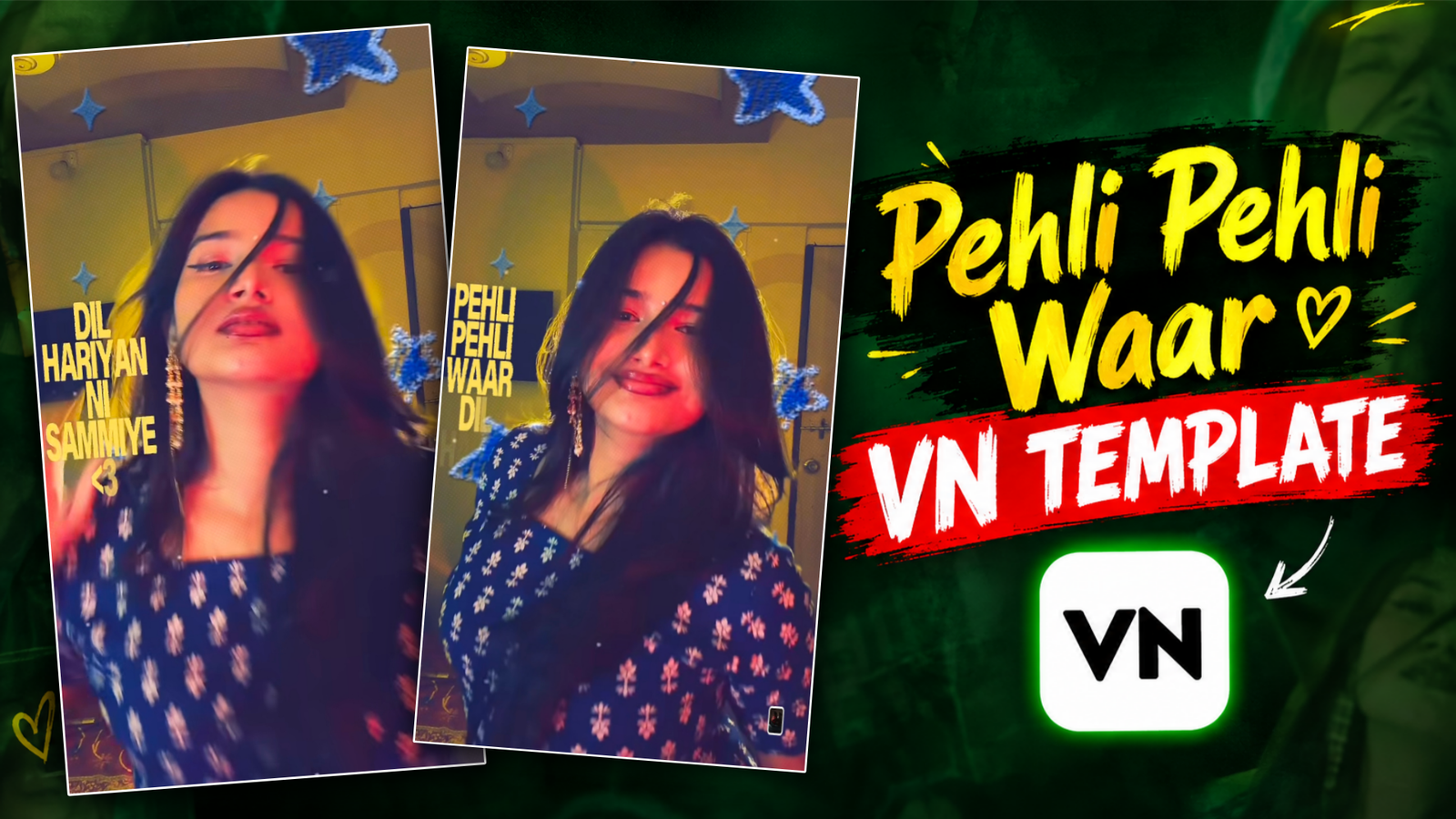
Pehli Pehli Waar Song VN Template-Have you ever come across a video while scrolling through Instagram Reels or Facebook where song lyrics gradually appear on screen, surrounded by twinkling, star-like lights? Currently, a VN template featuring the song “Pehli Pehli Waar” is trending. This template combines slow motion, song lyrics, and star effects to give the video a highly creative look. You might be wondering—is it difficult to create such a beautiful video? Do you need advanced editing skills? The answer is: not at all! Simply open this template in the VN app, insert your own photos or videos, and you’re all set. In this article, we’ll explain—in simple terms—what this template is, why it’s become so popular, and how you can use it.
Pehli Pehli Waar Song VN Template
Imagine you’ve recorded a short video with a friend on a rooftop during the day—on its own, it might seem like an ordinary clip. But when you add a slow-motion effect, overlay song lyrics that appear line by line, and sprinkle in some twinkling, star-like lights, the result becomes truly beautiful. You don’t need to create anything from scratch; simply insert your short video clips, and the template will handle all the editing for you. The best part is that this template requires no special skills to use. Even if you are editing a video for the very first time, you can put together a stunning clip in just two or three minutes. Let’s take a look at how you can create this video using a VN template.
Why Pehli Pehli Waar Template So Popular?
Lately, I’ve been seeing new VN templates popping up on Instagram almost every day, and everyone seems to be using them—but what’s the reason behind this? Often, when we come across a video we really like, we wish we could create something similar with just a single click; however, not everyone has the time or the desire to learn complex video editing. This is where templates come in handy. Suppose you’ve been busy with work or studies all day, and in the evening, you decide to put together a quick video using some clips from your day—a template allows you to get it done in just a few minutes. It not only saves time but also gives the final result a professional look. That’s how these templates spread. In short, their popularity stems from their ease of use, the impressive results they produce, and the fact that they save us all a great deal of time.

How To Use Pehli Pehli Waar VN Template ?
Before using this template, make sure you have your video clips ready. Also, download the VN code; the QR code I’ve provided above is for the template. Now, follow these steps to use it:
First, open the VN app and look for the scan option in the corner—tap on it. Upload the QR code I provided, and wait for it to load. Once the template opens, you will see a download button; click it to download the VN template. After the download is complete, you will see a “Use Template” button—tap it to open the template. Add your video clips, click the “Next” button, and wait a few moments; your video will then be ready. Once it’s ready, simply click the “Export” option.
Overall
That concludes our article on the VN template for the song “Pehli Pehli Waar” We hope this post has helped you understand what the template is and how to use it; the combination of slow motion, lyrics, and star effects truly creates a fantastic look. Which effect did you like the most—the slow motion, the lyrics, or the star effects? Visit my website to discover more new templates like this one.

🫶🏻🧿❤️🔥😎🤭😁🫀🫀😁twwfgbxgjgdeyvcfjn
Edinburgh
Fjifuchchckc