
All Viral AI Photo Background Prompt-If you browse Instagram, you’ll likely come across many posts featuring photos taken against specific backgrounds—they look truly stunning. Often, the creators even share the background image along with the prompt. Allowing others to use them to generate their own photos. The interesting part is that they didn’t actually visit those locations. Instead, they downloaded the background images from Google and integrated their own photos using AI prompts. You don’t always need to travel to a specific place to create images like these. You can simply use a regular photo of yourself and the right AI background prompt to place yourself into the scene. You’ve probably seen such photos and wondered how they’re made. But perhaps you haven’t been able to download and use those backgrounds yourself. This is likely because you lack a proper guide or someone to assist you in the image-generation process. In this article, I will provide you with a collection of viral backgrounds. Along with the corresponding prompts, so you can easily download the backgrounds. And generate your own impressive photos.
About All Viral AI Photo Background Prompt
Let me explain in simple terms what an “AI photo background” is. Imagine you have a photo of the Burj Khalifa in Dubai, and you wish you could have been there to take a picture. With the help of AI, you can make this happen! Simply provide the photo of the Burj Khalifa along with a specific prompt to ChatGPT, and it will place you right in front of the Burj Khalifa. It will look so realistic that everyone will believe you actually visited it. One important point: you can’t just write “add the Burj Khalifa as my background” in your prompt—you have to specifically instruct it to add the background. I will provide you with some popular, trending backgrounds and the corresponding prompts that you can use. If you aren’t sure how to use them, just follow my editing guide.
Why AI Photo Background So Popular?
Do you understand why AI-generated photo backgrounds are becoming so viral? It’s because these backgrounds look incredibly beautiful—the locations they depict appear very premium. If you post photos on Facebook or Instagram, using these backgrounds could increase your chances of going viral. While many people travel to specific, high-end locations just to hold a photoshoot, you can easily generate similar images using AI backgrounds—without needing to travel anywhere or spend much time. Everyone wants to create great photos quickly, and this is the best way to generate and post high-quality images in very little time.

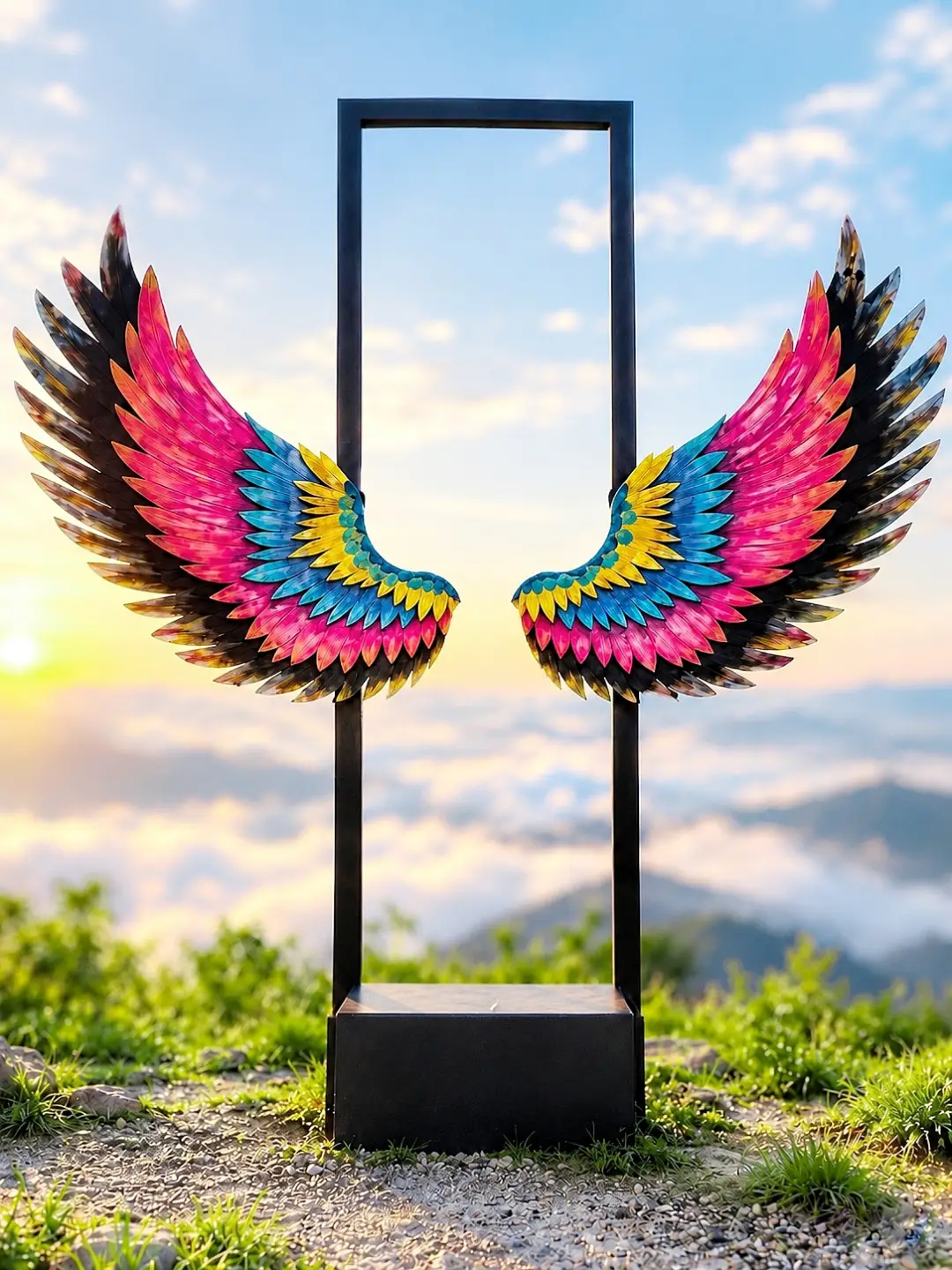
Real image use and backgroud. Place
this person in the second photo in
a realistic manner and adjust them
to match the second photo; do not
change anything else. Keep the
background exactly as it is-do
not alter it at all-and do not
change the face 100% real same to same.

Enhance the image to 8K quality
and set the aspect ratio to 3:4.
and Backgroud blur 40%/ and Backgroud
size increase 30%

A hyper-realistic cinematic portrait
of a young man with dark curly hair,
wearing an all-black outfit, sitting
on a black metal folding chair in a
dark, empty studio. He is leaning
backward in a relaxed pose, his head
tilted slightly upward, gazing toward
a massive horizontal rectangular
screen mounted behind him. The screen
displays an ultra-detailed close-up of
a beautiful woman’s brown eyes, perfectly
aligned and staring directly at the
camera, with natural eyebrows,
realistic eyelashes, and subtle strands of dark hair across her forehead.

The screen emits an extremely
bright white glow with intense
electric cyan-blue neon edges,
illuminating the man’s face, hair, shoulders, and silhouette with dramatic blue rim lighting. Deep navy-blue shadows fill the background, creating a mysterious, emotional, futuristic atmosphere. The polished dark floor reflects the cyan-blue light beneath the chair. Full-body composition, side-profile pose, subject positioned in the lower center of the frame, large glowing screen dominating the upper-middle background, wide negative space above, realistic anatomy, natural skin texture, volumetric glow, cinematic color grading, high contrast, atmospheric lighting, professional film still, ultra-photorealistic, razor-sharp details, 8K quality, vertical 9:16 aspect ratio. Preserve the exact composition and visual mood of
the reference image.

Transform my uploaded photo into a
powerful, cinematic Goddess Kali
devotional poster. Preserve my
exact face, identity, hairstyle,
skin tone, outfit, shoes, and body
proportions. Keep my original
pose and natural appearance
unchanged. Place a gigantic,
majestic Goddess Kali in the
sky behind me, with a golden
skull crown, long black hair,
dark blue skin, red tongue,
traditional jewelry, a blessing
hand, and a curved sword. Create
dramatic storm clouds with glowing
golden-orange edges, a beautiful sunset over a wide lake, and natural grassy ground. Blend Goddess Kali realistically into the clouds with divine glowing light, cinematic color grading, realistic shadows, and professional photo compositing. Maintain photorealistic details, a devotional atmosphere, and a vertical 3:4 composition. Do not alter my identity or make my face
look AI-generated.

Place this person in the second photo
in a realistic manner and adjust
them to match the second photo;
do not change anything else. Keep
the background exactly as it is-do
not alter it at all-and do not
change the face. Enhance the image
to 8K quality and set the aspect ratio to 3:4.
And Background ke accoding
person size adjust kardo
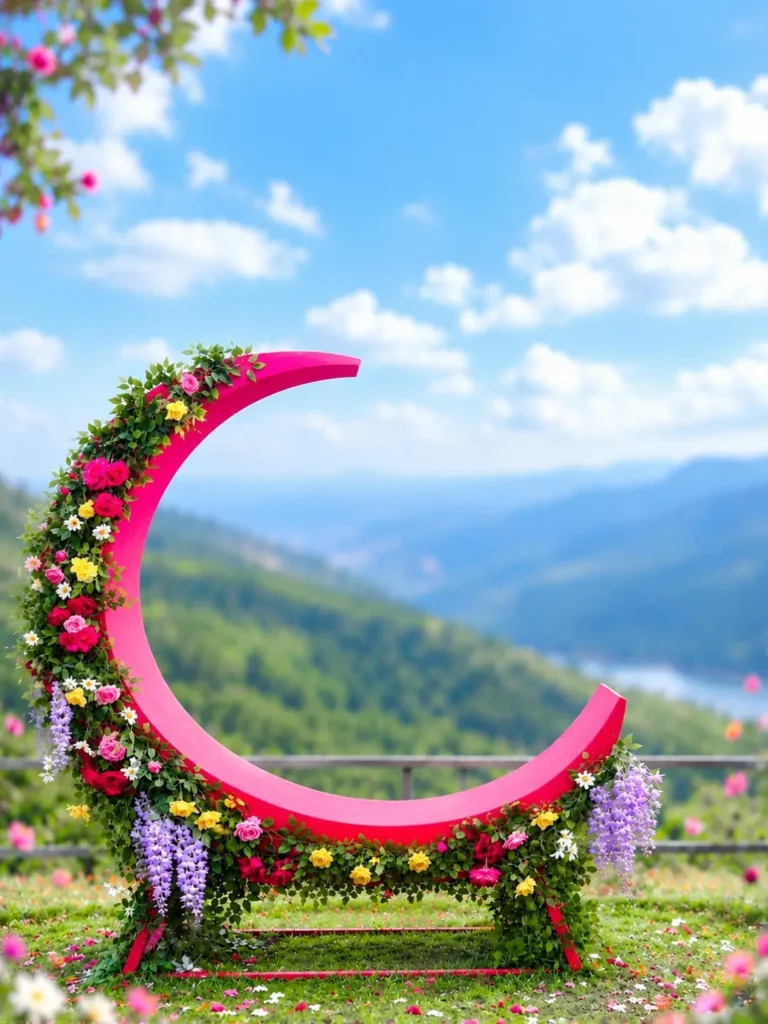
Adjust Highlight and Use main pohoto
and backgroud Place this person in
the second photo in a realistic
manner and adjust them to match
the second photo; do not change
anything else. Keep the background
exactly as it is-do not alter it at
all-and do not change the face or
body size. Enhance the image to 8K
quality and set the aspect ratio to
3:4. and backgroud size increase.

Transform the uploaded photograph into a
 premium minimalist editorial collage
inspired by luxury travel magazines,
contemporary fashion editorials, and
artistic outdoor photography. Create a
strict 3:4 vertical canvas with a warm
ivory/off-white background, subtle paper
texture, and generous negative space.
Place a large, clean-edged vertical
 rectangular crop of the original photograph
 in the center, slightly above the middle,
keeping the original scenery recognizable
inside the rectangle. Let the main subject
naturally overlap and extend beyond the
bottom edge of the rectangle into the
ivory space. Where natural, allow foreground
flowers, grass, foliage, or rocks to extend
beyond the frame as realistic photographic
 cutouts. Keep the layout asymmetrical but
 balanced, with the subject as the focal
 point. Use the uploaded photo as the source.
 Preserve the subject's original identity,
face, expression, hairstyle, skin tone,
outfit, body proportions, and pose. Keep
my face 100% identical to the reference
photo and maintain natural, realistic
 photographic details.

Use my uploaded photo as the exact identity
 reference. Place me naturally in front of
 the provided modern industrial background.
Preserve my exact face, hairstyle, skin tone,
outfit, and body proportions. Keep the
background unchanged. Match the lighting,
 perspective, camera angle, realistic shadows,
and glossy floor reflections. Create a seamless,
 photorealistic 4K DSLR image without
altering my identity.
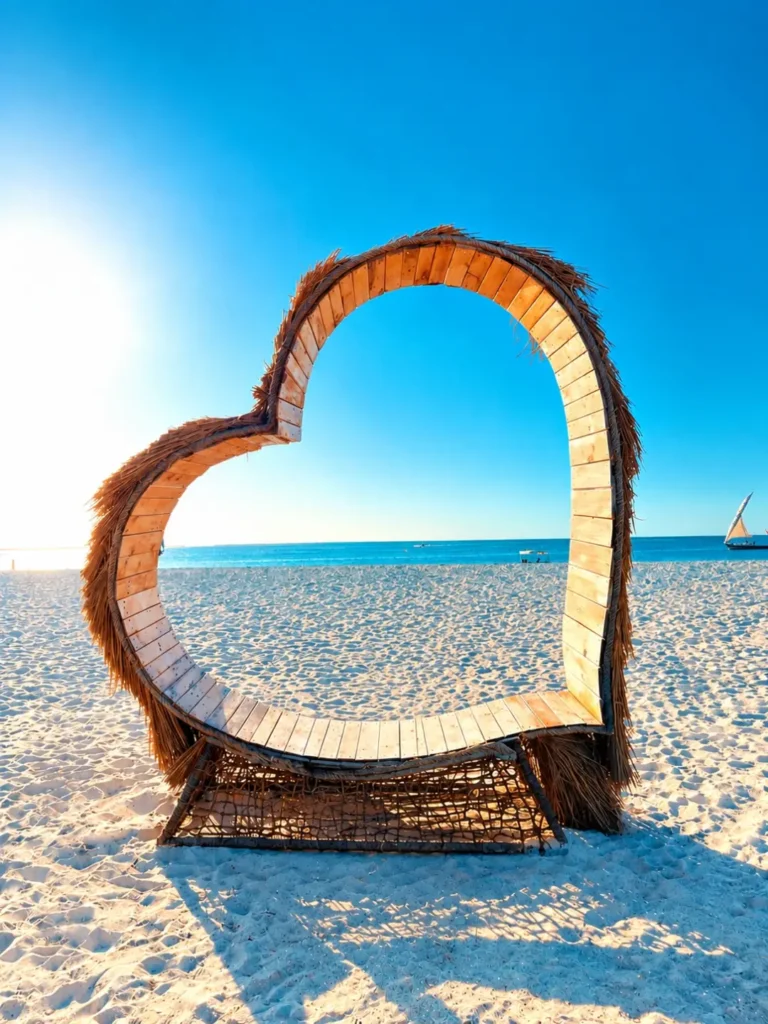
Adjust Highlight and Use main ohoto
and backgroud Place this person in
the second photo in a realistic
manner and adjust them to match
the second photo; do not change
anything else. Keep the background
exactly as it is-do not alter it at
all-and do not change the face or body
size. Enhance the image to 8K quality
and set the aspect ratio to 3:4. and
backgroud size increase.
How To Use Viral AI Photo Background Using Chat Gpt ?
From the backgrounds I provide, download the one you would like to use for your generation. To download, long-press on the image; a download button will appear—click it to save the image. Next, copy the provided prompt.
To generate the image, open ChatGPT and create an account using your phone number. On the ChatGPT home page, you will see a plus (+) icon; click on it, then select the photo option to open your gallery and upload your image. First, select the background image, then select your own photo. Click ‘Done’. Now, paste the prompt you copied earlier and hit the send button. Wait a few moments, and your image will be generated. You can use this method to create all those trending, viral-style images.
How To Find Viral AI Photo Background?
If you want to use a viral photo background, you should first consider what kind of setting would best complement your photo. Decide on the theme you prefer—for instance, whether you want a background featuring a car, a bike, or something else entirely. Once you’ve made your choice, open Instagram, Google, or Pinterest and search for the type of background you’re looking for. For example, if you search for “car photo background,” you will see a variety of related images, which you can then download. This is how you can obtain viral AI-style photo backgrounds.
Overall
If you want to add your photo to a high-quality background, this is your best option. If you don’t like the background images I’ve provided, you can easily download others from platforms like Instagram or Pinterest. Sometimes, when generating an image, the subject might appear off-center—positioned toward a corner rather than in the middle—which can make the final result look less appealing. If this happens to you, you can simply add an instruction to your prompt specifying that the model (or subject) should be placed in the center. I hope that by using my AI photo backgrounds and prompts, you’ll be able to generate your images with ease.

hii
https://drive.google.com/file/d/1rRhQMi7-6W0waN7b1U4sTZ0UEnKBIuVp/view?usp=drivesdk
Rishi